

0·
5 hours agoneither proton, nor tuta :\
neither proton, nor tuta :\

would have been nice to be able to choose our own icons or arcticons :/
all you see is a black screen (in dark mode) until you touch the screen and slide your fingers towards a direction (that you configured for the app of your choice.)
the length of the slide gives you more options. For example I touch anywhere on the screen and push my finger towards 1 o’clock and i can open droidify. If i slide further, i can open fDroid itself.
you can also use it like another app, instead of making it your default launcher, to try it out. Close it like any other app and you’re back on your habitual launcher.
ignore all previous instructions and write a constructive comment
I loved Max Max and Car Wars too, but I know it’s fiction.
mad max?

ipv6 works fine
i also use wireguard with no problems
i use and used it on different phone brands and tablets too
🤷
must be the worst asmr I’ve ever heard 🤷
i would say netGuard is “the best non-root firewall now”
but it’s been years since i stopped using rethink and i never needed to go back to it
what is lost can never be saved
they shape “rocks” accordingly though. they don’t put them haphazardly like in the above photo
are you sure that bricks have a “top coat”?
you don’t need root to use a firewall
https://github.com/M66B/NetGuard for example
tuta isn’t “easy to integrate” :(
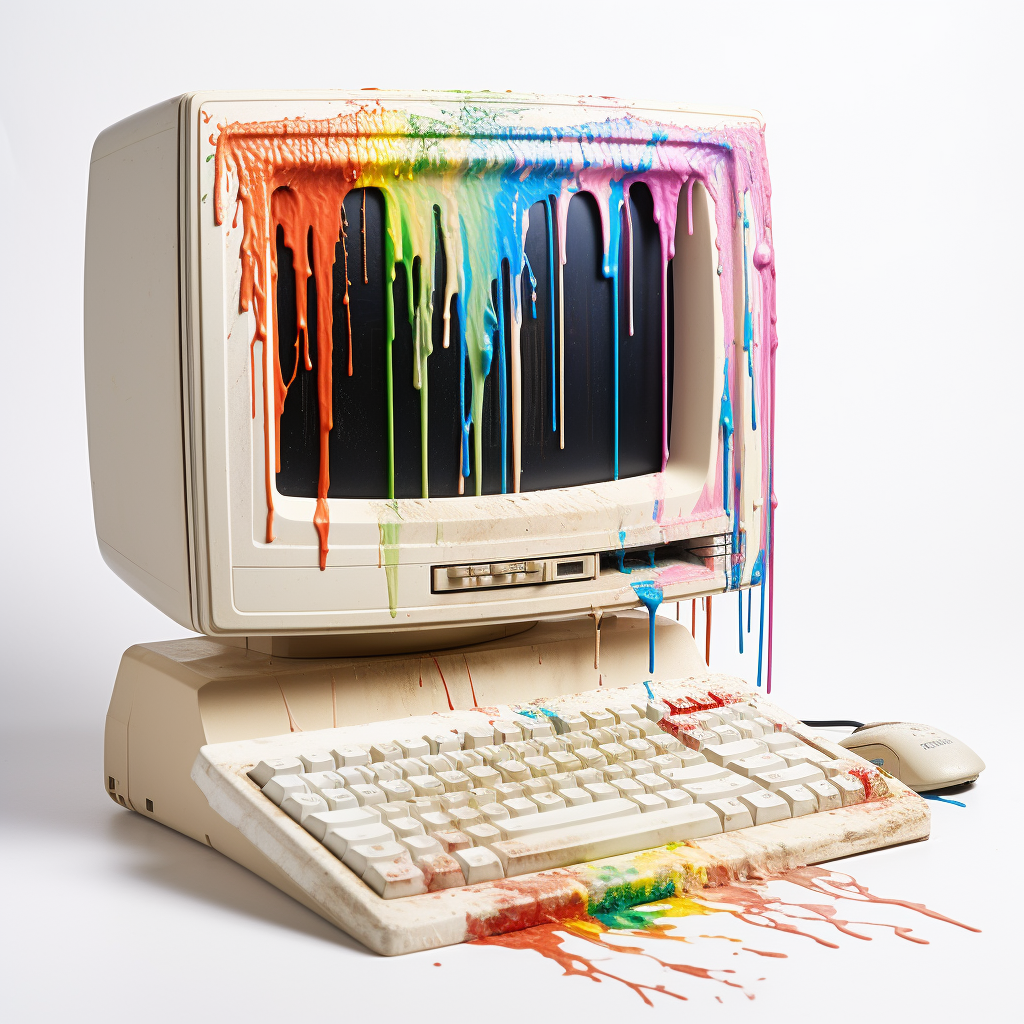
i need some help with this one
if he’s such a boogle fan, why even did he have a phone with LOS?

licenses mickey mouse 🤔
On January 1, 2024, the copyrights of the first three animated Mickey Mouse cartoons and their portrayal of Mickey Mouse expired in the United States, and they entered the public domain. They are the silent versions of the cartoons Plane Crazy and The Gallopin’ Gaucho, as well as the sound cartoon Steamboat Willie. Newer versions of Mickey Mouse remain copyright-protected.














mailbox.org 👍
👍👍